
Using Squaddle with email
You can use Squaddle entirely through email, with all the same functionality as our WhatsApp integration.
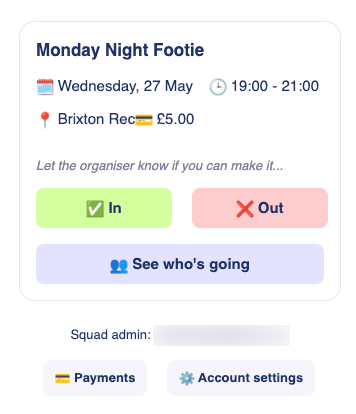
When your organiser creates an activity, you'll receive an email invitation with everything you need to respond. Buttons within the email record your response and open the Squaddle web app.
- 'In' – to confirm your attendance
- 'Out' – to let your squad know you can't make it
- 'See who's going' – to view a list of other squad members who have confirmed their attendance
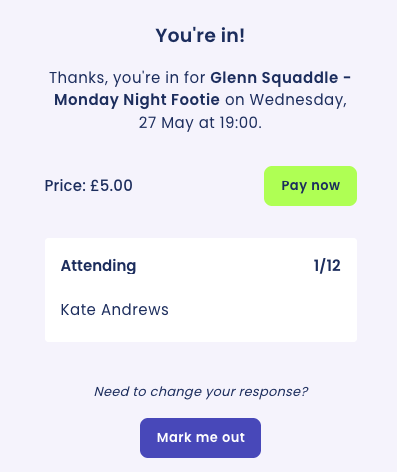
You'll get an email to confirm your response.
You can also access 'Payments' and 'Account settings' from the email.
Do I have to use email?
If you'd prefer, you can use Squaddle with WhatsApp instead. We'll send the same invitations and alerts to your phone, and you can respond there or online via your Squaddle account.
|
|
|
Can I change my notification settings?
If you have a WhatsApp number and email address associated with your account, you can change your notification preferences in your Account Settings. Squaddle can send notifications to WhatsApp, email, or both.
Responding to invitations online
You can also respond to invitations, see who else is attending, and make payments directly from your Squaddle account. You can find a list of all upcoming activities in your Schedule.
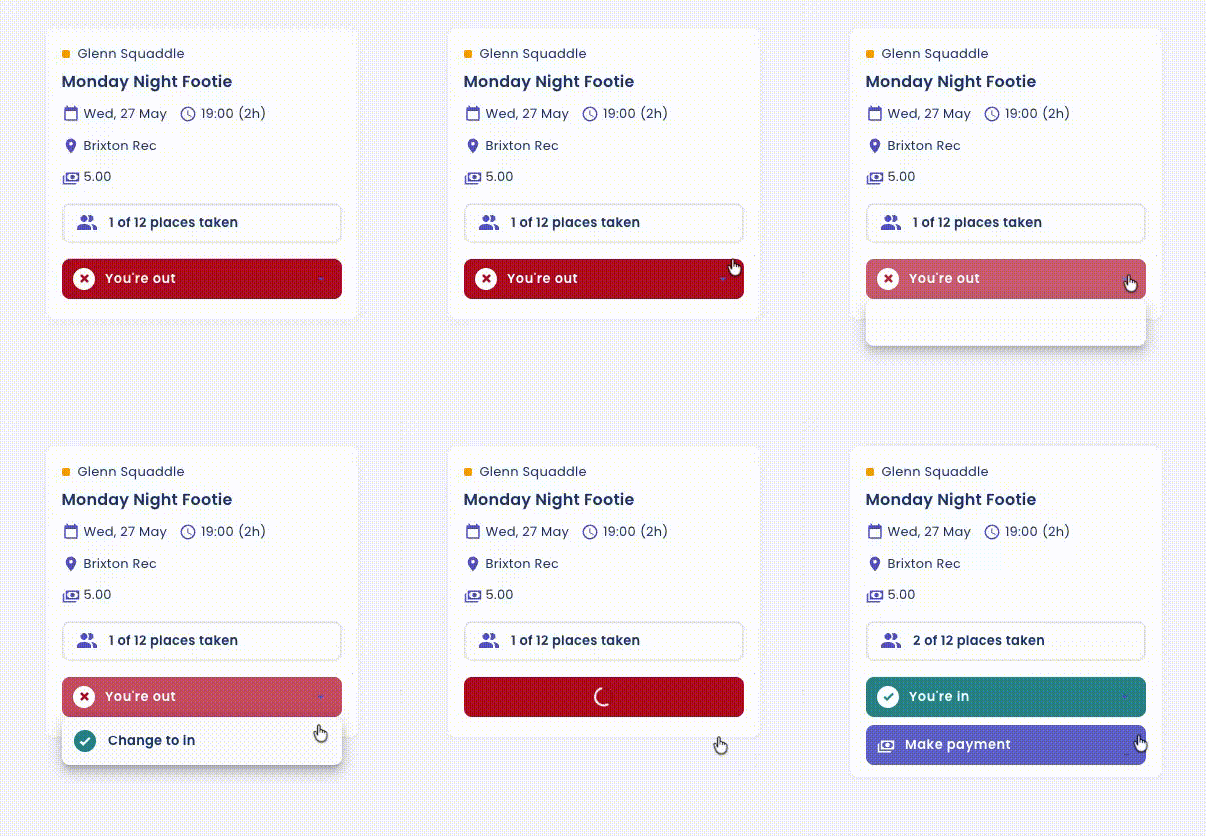
All Squaddle members can sign in at squaddle.co.uk using their mobile number, email address, or Google account.
Can I respond to an activity in advance?
You can only mark yourself in for an upcoming activity once the invitations are sent out – until then, the activity won't appear on your Schedule.
For one-off activities, invites are sent as soon as the activity is created. For repeating activities, organisers choose a fixed day and time each week for invites to go out. Alternatively, you can ask your squad owner to mark you automatically in for future games.